Images and videos
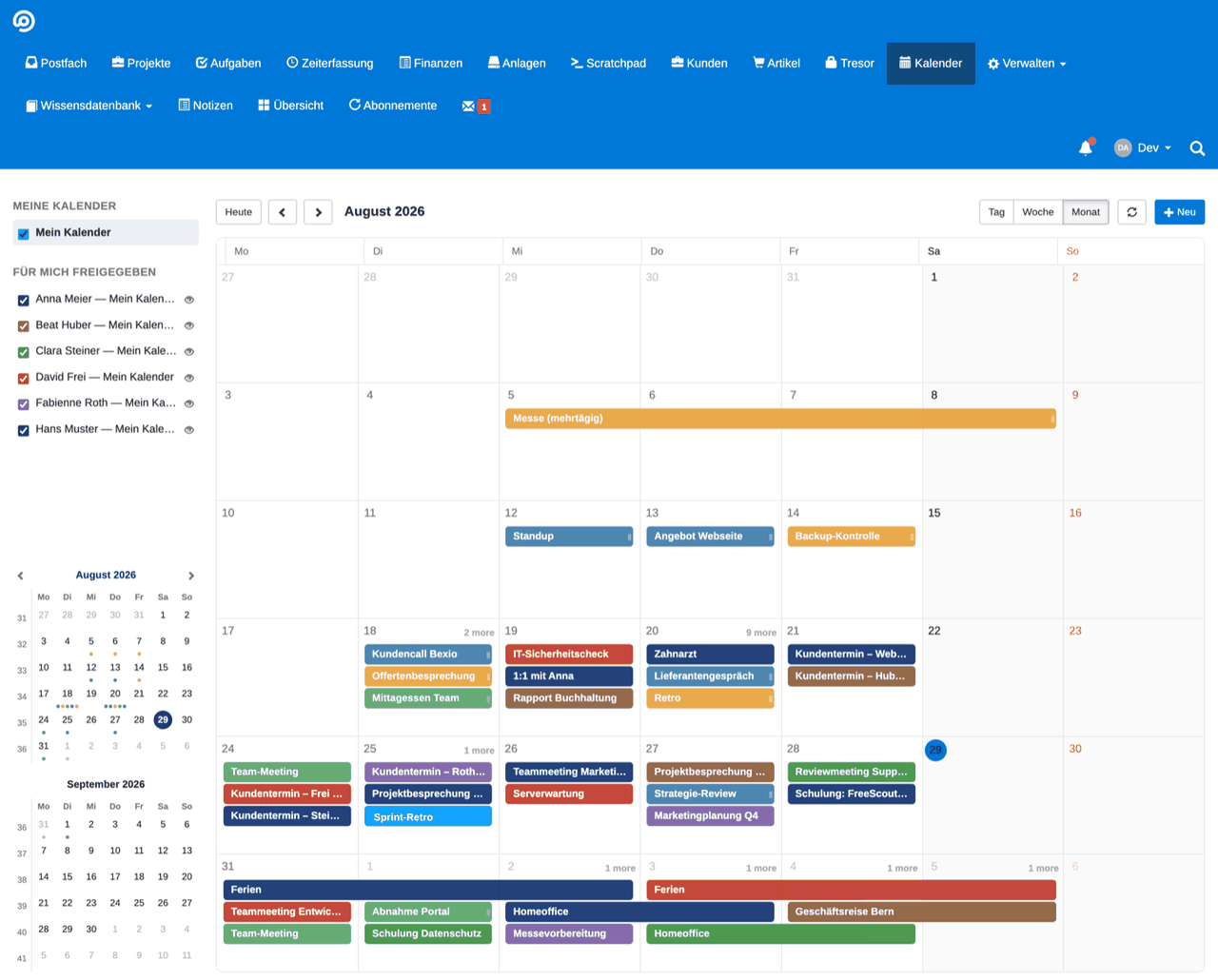


Technical
- Current version
- 3.3.0
- Requires FreeScout
- from 1.8.233
- Can be extended with
-
Activities (Invoicing), Bexio module for FreeScout
The module runs fine without them.
- Licence of the code
- AGPL-3.0-or-later
- Guide
- Read the guide
- Changelog
- All versions
- Languages
- English, French, German, Italian
About this module
Common questions about this module
Can my colleagues see my appointments?
Only if you want them to. Calendars are private by default, and you share each one individually. You also decide how much becomes visible: full details or just the busy time, read only or edit together.
What is the difference between a calendar and a category?
The calendar determines where an appointment sits and who may see it. The category describes what it is – meeting, customer appointment, training, break. Each category has its own colour, so you can see at a glance what your day consists of, regardless of the calendar.
Can I bring in existing calendars from Nextcloud or iCloud?
Yes. Supported are CalDAV for services such as Nextcloud, Fastmail, Radicale and iCloud, ICS subscriptions for feeds such as public holidays, and Infomaniak kMeet. Each user manages their own connections.
What happens if the same appointment is changed in two places?
Changes to connected CalDAV appointments go back to the external calendar. If the same appointment has meanwhile been changed there as well, the module detects the conflict instead of quietly overwriting one of the two versions.
Can the calendar be used on a phone?
Yes, with a display of its own rather than a shrunken desktop calendar. In the month view dots show how busy each day is; once you pick a day the appointments appear as a readable list.
How does a video meeting room come about?
With one click from the calendar entry. The kMeet link is stored with the appointment; if you change the title or the time, the entry in the Infomaniak calendar follows, and on a cancellation it disappears there. Your API token is enough to set it up.
Bring your whole scheduling into one place
Organise appointments, share calendars with your team on purpose and connect external services — without leaving FreeScout for your daily planning.